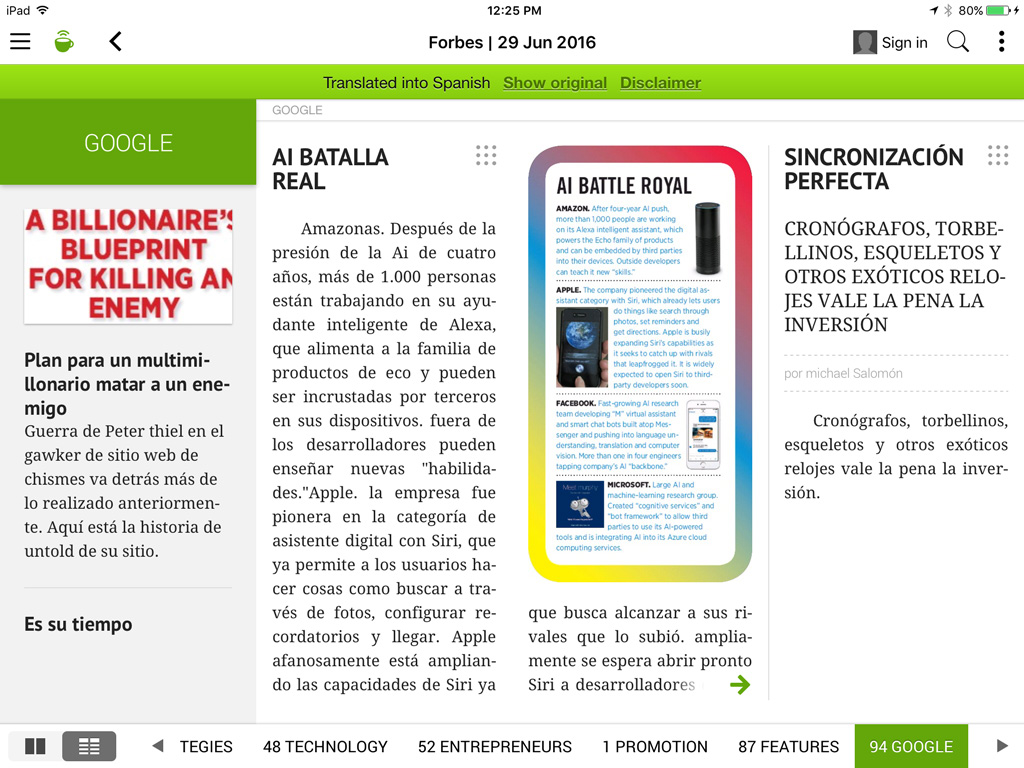
The AutoTranslate feature instantly translates PressReader catalog content into your choice of 18 different languages.
Follow these steps to translate content in the PressReader catalog:
Translate an article
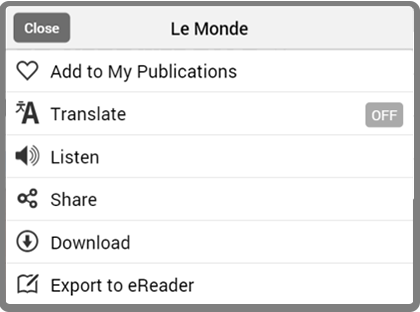
- Right click on the article you would like to translate to open the menu. In “Text View,” you can click on the three dots in the top right corner of the article. In the app, click on the dree dots at the bottom of the page.
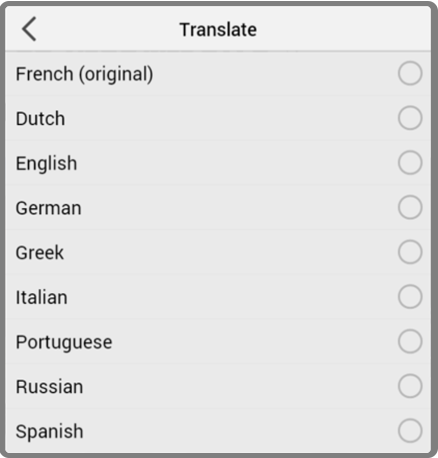
- Select “Translate Article”, then choose the language you wish to read.
Translate a full publication
- Open the main menu in “Page View.”
- Select "Translate," then choose the language you wish to read.
Comments
0 comments
Article is closed for comments.